Tutorials
Start with the trading terminal, then learn Swap · Bridge, then finish with Portfolio. Each tab combines an SVG walkthrough with the exact sequence a user should follow.
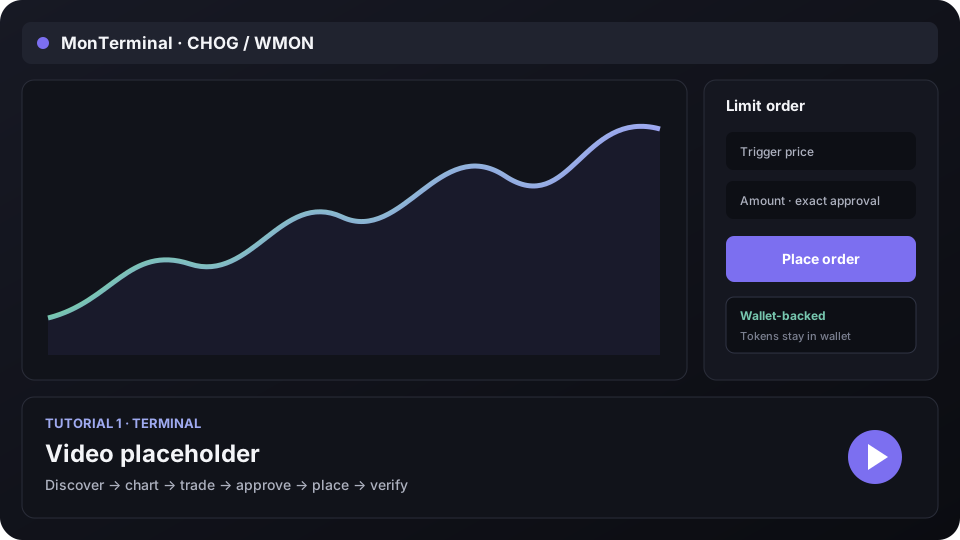 Illustrated walkthrough
Tutorial 1 of 3
Trade and place onchain orders
Discover a token, understand the live terminal, make a market trade, then place and verify a limit buy or limit sell.
- Open a verified market
- Read chart and AMM depth
- Approve the exact order amount
- Place and verify the order
Tutorial order
| Order | Tutorial | What it covers |
|---|---|---|
| 1 | Terminal | Discover → token terminal → market trade → exact approval → place/cancel/execute order proof |
| 2 | Swap · Bridge | Same-chain swap → fee review → cross-chain route → destination fill |
| 3 | Portfolio | Total value → allocation → chart ranges → assets → recent activity |
Always verify the connected wallet, chain, token addresses, approval amount, minimum received, and explorer receipt before treating an action as complete.